If you've landed here, you've probably already tried Docparser - or at least looked at it - and walked away feeling like the tool was designed for an engineer, not a finance professional. You're not alone. Thousands of accountants, bookkeepers, loan officers, and small business owners search for a docparser alternative for bank statements every month, frustrated by the same handful of problems: complex parsing rules, a steep learning curve, and a price tag that doesn't match the simplicity they expected.
This post breaks down exactly why Docparser frustrates so many users when it comes to bank statement extraction specifically, and why AI Bank Statement (aibankstatement.com) is the smarter, faster alternative that requires zero setup.
What Is Docparser - And Why Do People Use It for Bank Statements?
Docparser is a document parsing platform that lets you extract structured data from PDFs using rules you configure manually. It supports a wide range of document types - invoices, purchase orders, contracts, and yes, bank statements. On paper, it sounds like an ideal solution for anyone drowning in PDFs full of transaction data.
The reality? Docparser was built as a generic document parsing engine. Bank statements were never its primary focus. So while it technically can parse bank statements, doing so requires users to build their own parsing rules - zone-based templates, regex patterns, filters, table parsers - all of which need to be configured for every single bank layout you encounter. That's not a one-time setup. That's an ongoing maintenance burden every time a bank changes its statement format.
For a solo accountant handling clients across five different banks, that means five rule sets, and potentially rebuilding them every quarter when formatting shifts.
The Real Problems With Using Docparser for Bank Statements
1. You Have to Set Up Rules Before You Extract Anything
Docparser is template-driven. Before you can extract a single transaction, you need to define parsing zones, map column positions, and write rules for how dates, descriptions, debits, credits, and balances should be identified. If you've never done this before, expect to spend hours watching tutorial videos before you even get your first result.
For bank statements - which vary massively across institutions, countries, and account types - this rule-building process never really ends. Chase formats differently from HSBC. A credit card statement looks nothing like a checking account statement. Every new bank you add means new rules.
This is not a productivity tool. It's a configuration project.
2. It's Built for Developers and IT Teams - Not Finance Professionals
Docparser's strength lies in its flexibility, which is great if you have a developer on staff who can build integrations and maintain parsing templates. But if you're a CPA, a loan officer, or a bookkeeper who just wants clean transaction data in Excel - the platform feels like overkill. The UI is technical, the terminology is unfamiliar, and the documentation assumes a level of comfort with data engineering that most finance users simply don't have.
3. The Pricing Doesn't Make Sense for Occasional Users
Docparser operates on a monthly subscription model, and meaningful limits start at pricing tiers that assume you're using it as part of a larger automated workflow. For someone who processes 20–30 bank statements a month, you're paying for infrastructure and complexity you don't need.
4. No Specialized Intelligence for Financial Documents
Because Docparser is a general-purpose parser, it doesn't understand the semantics of a bank statement. It doesn't know that a running balance column should decrease when a debit appears, or that "CR" next to an amount means credit. You have to encode all of that logic yourself through rules. A truly intelligent bank statement tool should already know these things.
Why AI Bank Statement Is the Best Docparser Alternative for Bank Statements
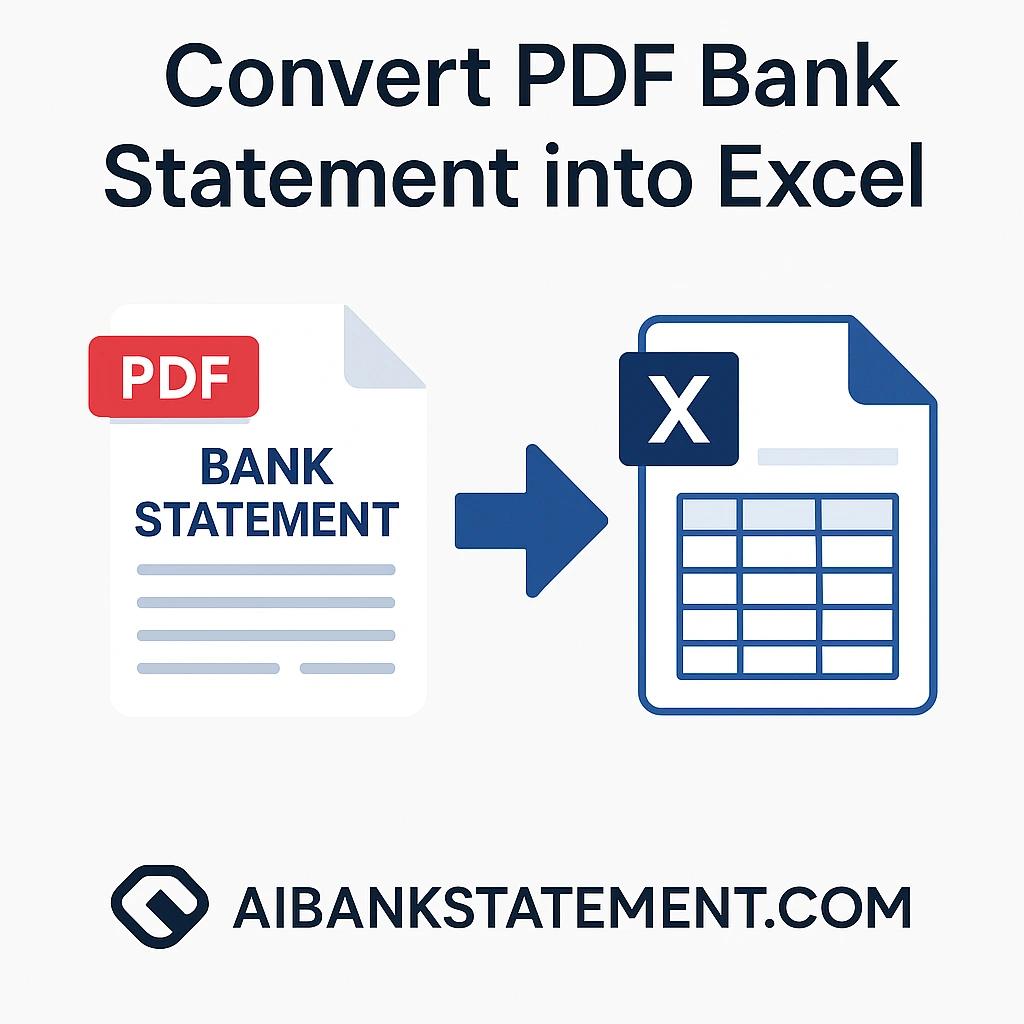
AI Bank Statement is purpose-built for exactly one thing: converting PDF bank statements into clean, structured Excel, CSV, or JSON files - with no rules, no templates, and no configuration required.
Here's what makes it genuinely different.
Purpose-Built AI for Financial Documents
Unlike Docparser's rule engine, AI Bank Statement uses advanced AI models specifically trained to understand the structure and semantics of bank statements. It recognizes transaction rows, date patterns, debit/credit columns, running balances, and merchant descriptions - automatically, across thousands of bank formats - without you lifting a finger to configure anything.
You upload a PDF. You get clean data. That's the entire process.
OCR-Powered Extraction - Even for Scanned Statements
One of the standout features directly relevant to bank statement conversion is AI-powered OCR (Optical Character Recognition). Many bank statements - especially older ones, or those downloaded from certain banking portals - are scanned image-based PDFs rather than text-based ones. Docparser struggles with these unless you've specifically configured OCR processing.
AI Bank Statement handles both text-based and scanned PDFs natively. When you upload a file, you can select between Text-Based or OCR processing mode depending on your document type. The OCR engine is optimized for financial documents, which means it correctly interprets table structures, aligned columns, and numerical formatting that general-purpose OCR often mangles.
This is critical for professionals dealing with older client records, imported statements, or documents that have been photocopied or re-scanned during an audit or loan process.
Supports 3,000+ Banks Globally - Without Any Configuration
AI Bank Statement works with statements from over 3,000 financial institutions worldwide - including Chase, Bank of America, Wells Fargo, HSBC, Barclays, and hundreds of international banks. The AI automatically adapts to each bank's unique layout, column structure, and formatting conventions.
In Docparser, adding a new bank means building a new parsing template. In AI Bank Statement, adding a new bank means... uploading the PDF. The AI figures out the rest.
Batch Processing - Convert Dozens of Statements at Once
For accountants and bookkeepers managing multiple clients, one of the most time-consuming aspects of bank statement processing is doing it one file at a time. AI Bank Statement's batch processing feature lets you upload 20+ PDF statements simultaneously, configure individual settings (OCR vs. text-based, output format) for each file independently, and download all converted results as a single organized ZIP file.
This directly addresses a pain point that Docparser's workflow-oriented setup doesn't solve elegantly for finance teams doing bulk monthly processing.
Multiple Output Formats: Excel, CSV, and JSON
Whether you're importing data into QuickBooks, Xero, Google Sheets, or a custom database, AI Bank Statement gives you clean, import-ready files in your preferred format:
- Excel (.xlsx) - perfectly formatted with clean column headers, proper date formatting, and organized transaction rows
- CSV - for universal compatibility with any accounting or spreadsheet software
- JSON - for developers and data teams who need structured financial data for pipelines or APIs
No post-processing, no cleanup, no reformatting. The output is ready to use immediately.
Bank-Grade Security - Your Data Doesn't Stick Around
Financial data is sensitive. AI Bank Statement processes all files on enterprise-grade secure servers with military-level encryption, and files are automatically and permanently deleted immediately after processing. The platform never stores, accesses, or retains your financial data.
This is especially important for professionals handling client data under fiduciary or regulatory obligations.
Simple Paid Plans - No Rules Setup
This is perhaps the most significant difference from Docparser for a first-time user: you can start processing bank statements on AI Bank Statement with a paid plan and no account configuration. Plans include monthly page credits so you can process real statements from your bank and evaluate the output quality quickly.
There's no setup. No parsing rules. No onboarding call. Just upload and convert.
Who Should Switch From Docparser to AI Bank Statement?
Freelancers and contractors who process a handful of statements per month and don't have time to maintain parsing templates - AI Bank Statement's $12/month Starter Plan gives you 400 pages per month, which covers most independent use cases comfortably.
Accountants and bookkeepers handling multiple client accounts who need batch processing, consistent output formatting, and OCR support for scanned documents. The Professional Plan at $24/month provides 1,000 pages per month with unlimited batch processing.
Loan officers and underwriters who need to verify applicant financial history quickly. AI Bank Statement converts a multi-page statement in under 30 seconds, making it far faster than manual review or rule-based parsing tools.
Tax preparers and CPAs during tax season who need to rapidly organize client financial data. Batch upload multiple client statements, process them all simultaneously, and download organized ZIP files - all in minutes.
Small businesses and startups that need to track cash flow and prepare financial documentation without investing in developer resources to maintain parsing rules.
AI Bank Statement Features Most Relevant to This Use Case
Based on what the platform offers at aibankstatement.com, here are the specific features that make it the ideal docparser alternative for bank statement extraction:
AI-Powered OCR - Extracts data from both text-based and image-scanned PDFs. Critical for users who encounter non-selectable PDFs, a common limitation when using Docparser without explicit OCR configuration.
Lightning-Fast AI Processing - Converts entire multi-page bank statements in under 30 seconds. No waiting for rule matching or template rendering.
Batch Processing with Individual File Configuration - Upload 20+ statements simultaneously, set processing type and output format per file, download as a ZIP. Docparser requires workflow automation setup to achieve anything similar.
Perfect Excel & CSV Formatting - Output files have clean column headers, proper date formatting, and organized transaction data ready for QuickBooks, Xero, or any spreadsheet tool - no cleanup required.
3,000+ Bank Support - Works universally across global banks without configuration, versus Docparser's requirement to build a new template per document layout.
Bank-Grade Security with Auto-Deletion - Files deleted immediately after processing. No data retention risk.
Transparent Page-Based Pricing - Paid plans include monthly page credits with clear per-page economics.
Quick Comparison: AI Bank Statement vs. Docparser for Bank Statements
| Feature | AI Bank Statement | Docparser |
|---|---|---|
| Setup required | None | Extensive rule configuration |
| Bank statement specialization | Yes - purpose-built | No - generic document parser |
| OCR for scanned PDFs | Yes - built-in | Requires configuration |
| Supported banks | 3,000+ automatically | Depends on rules you build |
| Batch processing | Yes - 20+ files simultaneously | Requires workflow setup |
| Output formats | Excel, CSV, JSON | Configurable but setup-heavy |
| Entry plan | Paid monthly page credits | Limited/trial only |
| Pricing | From $12/month | Higher for comparable features |
| Learning curve | Zero | Steep |
| Time to first result | Under 30 seconds | Hours of setup first |
The Bottom Line
Docparser is a capable general-purpose parsing tool - but "general purpose" is the problem when you're dealing with bank statements. You deserve a tool that already speaks the language of financial documents: transactions, balances, dates, debits, credits, and the hundreds of formatting variations that appear across global banks.
AI Bank Statement was built from the ground up for exactly this purpose. No rules. No templates. No developer required. Just upload your PDF bank statement and download clean, structured data in seconds.
If you've been frustrated with Docparser's complexity, pricing, or the endless cycle of building and maintaining parsing rules - it's time to try the smarter alternative.
Choose a plan at aibankstatement.com → No setup. No rules needed.
Frequently Asked Questions
Q1: Can AI Bank Statement handle the same bank statement formats that I was trying to set up in Docparser?
Almost certainly yes - and without any setup on your part. AI Bank Statement's AI is trained on thousands of bank statement formats from over 3,000 global financial institutions. Where Docparser requires you to build a custom parsing template for each bank layout, AI Bank Statement automatically identifies and adapts to the structure of your statement. If you were struggling to get Docparser's rules working for a particular bank's format, AI Bank Statement will handle it out of the box.
Q2: Does AI Bank Statement work with scanned bank statements, or only digital PDFs?
It works with both. The platform lets you choose between Text-Based processing (for digitally generated PDFs) and OCR processing (for scanned or image-based PDFs). The OCR engine is specifically optimized for financial document layouts, so it correctly handles aligned transaction columns, currency symbols, and date formats that generic OCR tools often misread. This is particularly useful when dealing with older client records or statements that have been physically scanned.
Q3: How does AI Bank Statement compare to Docparser's trial when it comes to bank statement processing?
AI Bank Statement's paid plans include OCR, all output formats (Excel, CSV, JSON), and batch processing. There's no configuration, no parsing rules to set up, and no waiting period after checkout. Just upload and see the output. This is significantly more direct than starting with a general-purpose parsing tool that requires setup before you can evaluate the quality of results.
Q4: I process statements from multiple banks for different clients. Will I need different settings for each bank?
No. The AI automatically adapts to the layout and formatting of each bank's statement. Whether you're processing a Chase checking account statement, an HSBC business account, or a Barclays credit card statement in the same batch, you don't need separate configurations. You can upload all of them simultaneously using the batch processing feature and get correctly formatted output for each file. This is the core advantage over Docparser, where each new bank format typically requires a new parsing template.
Q5: Is my clients' financial data safe if I use AI Bank Statement instead of Docparser?
Yes. All files uploaded to AI Bank Statement are processed on enterprise-grade secure servers with bank-level encryption. Critically, files are automatically and permanently deleted immediately after processing is complete - the platform never stores, accesses, or retains your financial data. This makes it safe for professionals handling sensitive client information under fiduciary obligations, and it's a straightforward data privacy story you can communicate to clients without hesitation.